Why Most TikTok Edits Feel Flat (And the One Effect That Actually Stops the Scroll)
We've spent a lot of time watching creators burn hours on TikTok editing tips that don't move the needle. Better color grading. Smoother transitions. Cleaner captions. And none of it fixes the actual problem.
The problem isn't polish. It's that most TikTok edits feel expected.
When a viewer opens TikTok, their brain is already on autopilot. It's pattern-matching everything — "seen it, seen it, seen it" — until something breaks the loop. That's the only real job of your edit: be the thing that doesn't look like everything else.
How to Edit TikTok Videos That Don't Get Scrolled Past
When we look at the clips that consistently outperform, there's a pattern. The edit itself is doing something the viewer didn't predict.
Not complicated. Not expensive. Just unexpected.
The creators who understand how to edit TikTok videos for actual retention aren't chasing the latest CapCut effects pack. They're borrowing aesthetics from a completely different era and making them feel fresh inside a 15-second clip.
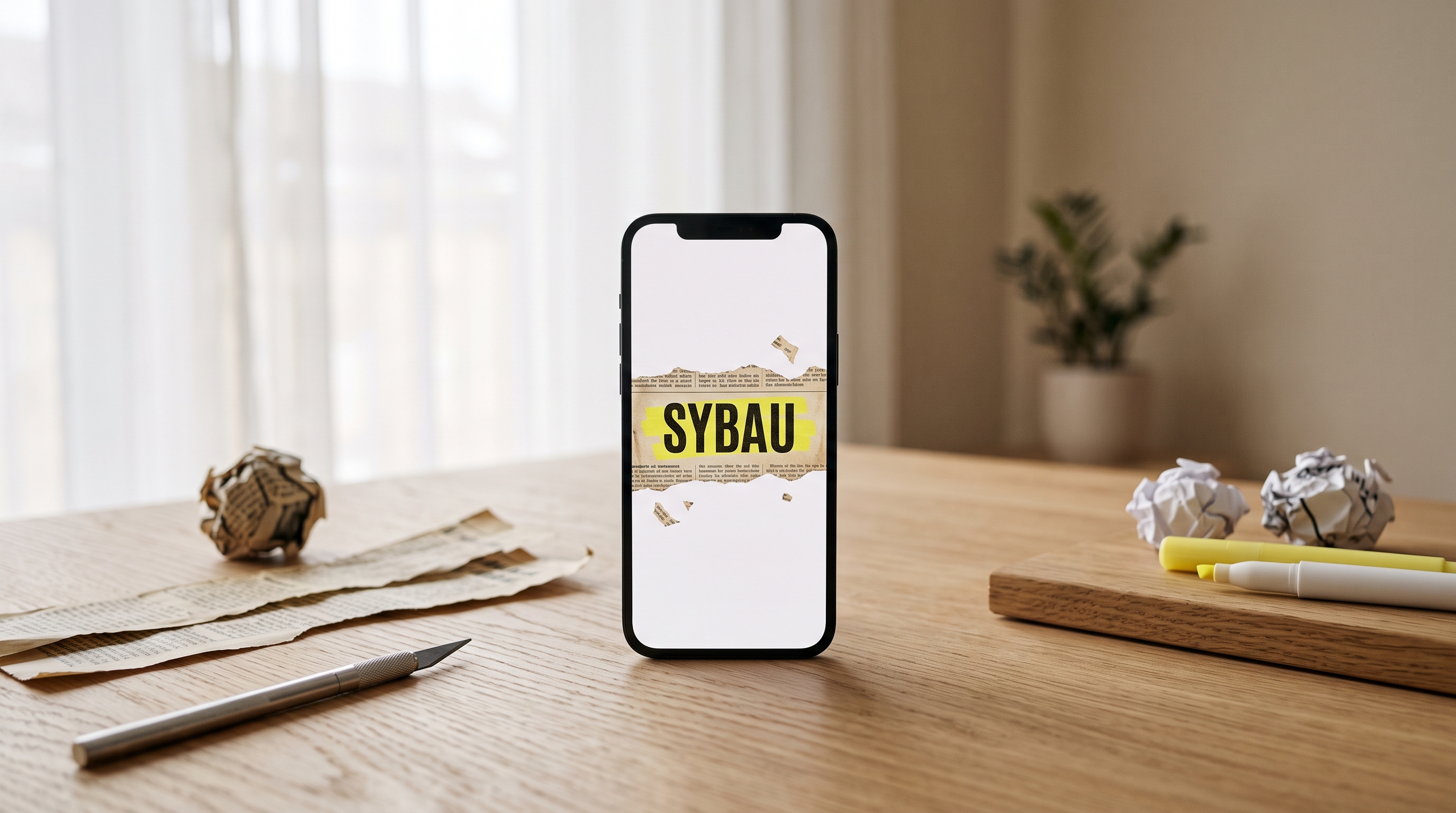
The effect we kept seeing work? Paper.
Torn edges. Newspaper textures. Worn, analog imperfection dropped into otherwise clean video. It's tactile in a world of smooth glass interfaces — and that contrast is exactly what triggers the pause.
The Retro Disruption Theory
Here's what we noticed across hundreds of clips: when everything around a piece of content looks the same, any meaningful contrast becomes a hook.
Right now, short-form content defaults to:
Clean sans-serif captions
Gradient text overlays
Trending CapCut effects that everyone's already seen twice
So when a viewer sees a newspaper overlay animate onto screen — a highlighted word unfolding across aged paper like a headline from 1962 — their autopilot breaks. They stop. They watch.
Paper animation works because it looks like it shouldn't be on TikTok. And that confusion buys you the two extra seconds your hook needs to land.
What We've Seen Creators Actually Do With It
We've watched creators plug paper animation into their openers as a single-word emphasis — dropping their key phrase (their offer, their claim, their provocative statement) into a newspaper highlight effect before cutting to their talking-head footage.
Result: the same video, with a better first frame, performing 2–4x better on completion rate.
The TikTok editing tips that matter aren't about complexity. They're about signal. When your first frame signals "this is different," the algorithm gets a clean, strong engagement signal in the first three seconds — and that's the only signal that actually unlocks distribution.
Where Paper Animation Fits in Your Editing Workflow
It's a three-second insert, not a full redesign. Here's how we'd use it:
Opener hook: Animate your video's central claim as a newspaper headline before your face appears. Instantly establishes tone and stakes.
Mid-video emphasis: Drop a highlighted word in newspaper style when you hit a key stat or punchline. It punctuates the moment without a jarring cut.
Thumbnail frame: Export a single frame with the paper effect for a scroll-stopping still.
None of that requires a new editing setup. Paper Animation runs entirely in-browser — no downloads, no plugins. You type the word, export the clip, drop it in your timeline. 30 seconds.
The Edit That's Actually Worth Your Time
We've tested a lot of TikTok editing approaches. The ones that actually produce results are always the ones that do one thing well: make the first three seconds feel like something the viewer hasn't seen before.
Paper animation is that thing right now. Not because it's a gimmick — but because it taps into something real. The contrast is visual. The texture is unexpected. The nostalgia is immediate.
Start there. Let your content do the rest.